Automating Azure DevOps Pull Requests with MCP and Cursor
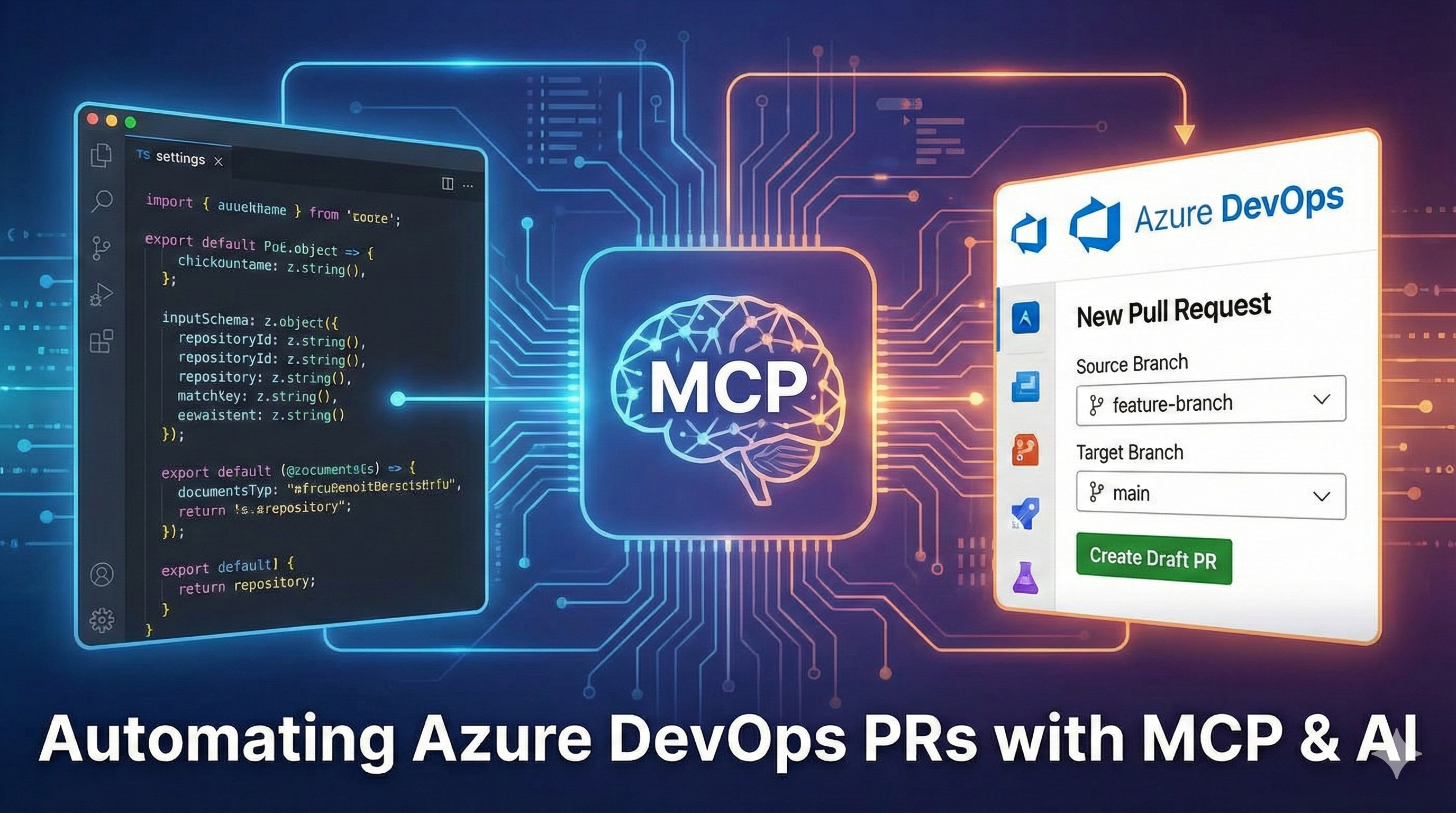
As developers, preserving the "flow state" is efficient and essential. However, the workflow often breaks when we finish coding a feature; we have to leave our IDE, open a browser, navigate to Azure DevOps, select branches, and type out a PR description.
What if your AI coding assistant (like Cursor) could handle that context switch for you?
In this post, I'll walk you through creating a Model Context Protocol (MCP) tool that enables an AI agent to create Pull Requests directly from your code editor.
The Goal
We want to register a tool called create_pull_request. When we type a prompt like "Create a draft PR for my current branch," the AI should:
- Understand the current context (repository, branch).
- Validate the inputs.
- Call the Azure DevOps API to create the PR.
The Implementation
We are using TypeScript with Zod for schema validation and the official MCP SDK.
1. Server Initialization
First, we need to initialize the MCP server. This acts as the host for our tools. We give it a name and version so the client (Cursor) knows what it's talking to.
const server = new McpServer({
  name: "azure-devops-workitems",
  version: "1.0.0",
});
2. Registering the Tool
Next, we register the create_pull_request tool. This is the core logic. We use z.object to create a strict contract for the input data.
Note the use of .describe(). This is crucial in MCP, as these descriptions serve as the "prompt" for the LLM, teaching it how to use the parameters correctly.
server.registerTool(
  "create_pull_request",
  {
    title: "Create Pull Request",
    description:
      "Create a pull request in Azure DevOps. The title can include a template/prompt that will be used as a starting point, which you can then edit in Azure DevOps.",
    inputSchema: z.object({
      repositoryId: z
        .string()
        .optional()
        .describe(
          `The repository ID (GUID). If not provided, uses DEVOPS_REPOSITORY_ID from env variables.`
        ),
      sourceBranch: z
        .string()
        .describe(
          "The source branch name (e.g., 'feature-branch' or 'refs/heads/feature-branch')"
        ),
      targetBranch: z
        .string()
        .default("main") // Smart default
        .describe(
          "The target branch name. Defaults to 'main'"
        ),
      title: z
        .string()
        .describe(
          "The title of the PR. You can include a template/prompt here."
        ),
      description: z.string().describe("The description/body of the pull request"),
      isDraft: z
        .boolean()
        .default(false)
        .describe(
          "Set to true for draft PRs, false for active PRs."
        ),
    }),
    outputSchema: z.object({
        pullRequestId: z.number(),
        status: z.string(),
        title: z.string(),
        description: z.string(),
        sourceRefName: z.string(),
        targetRefName: z.string(),
        isDraft: z.boolean(),
        url: z.string(),
        repository: z.object({
          id: z.string(),
          name: z.string(),
        }),
        createdBy: z.string().optional(),
        creationDate: z.string(),
    }),
  },
  async ({ repositoryId, sourceBranch, targetBranch, title, description, isDraft }) => {
    // 1. Resolve the Repository ID
    const finalRepositoryId = repositoryId || DEFAULT_REPOSITORY_ID;

    if (!finalRepositoryId) {
      throw new Error(
        "repositoryId is required. Either provide it as a parameter or set DEVOPS_REPOSITORY_ID in your environment variables."
      );
    }

    // 2. Call the Service
    const pr = await createPullRequestService({
      repositoryId: finalRepositoryId,
      sourceBranch,
      targetBranch: targetBranch || "main",
      title,
      description,
      isDraft: isDraft ?? false,
    });

    // 3. Return the result to the AI
    return {
      content: [
        {
          type: "text",
          text: JSON.stringify(pr, null, 2),
        },
      ],
      structuredContent: pr as unknown as { [x: string]: unknown },
    };
  },
);
3. Connecting the Transport
Finally, we need to expose this server so Cursor can talk to it. We use StdioServerTransport to communicate via standard input/output.
const transport = new StdioServerTransport();
await server.connect(transport);
4. The API Call
Under the hood, createPullRequestService utilizes a wrapper around fetch to communicate with Azure. Here is the raw API call structure:
azureRequest<PullRequest>(
  `/git/repositories/${repositoryId}/pullrequests?api-version=${PR_API_VERSION}`,
  {
    method: "POST",
    body: JSON.stringify(body),
  },
);
Why This Matters
By integrating this tool into your MCP server, you unlock a powerful workflow in editors like Cursor.
You can simply type:
"I've finished the authentication logic. Create a draft PR merging feature-auth into main."
The AI will:
- Look up the
create_pull_requesttool. - Fill in
sourceBranchandtitlebased on your chat context. - Execute the function.
- Return the link to the newly created PR.
This small piece of automation saves minutes per day, but more importantly, it maintains your cognitive focus on the code, not the administrative tools around it.